As an Amazon Associate, I earn from qualifying purchases.
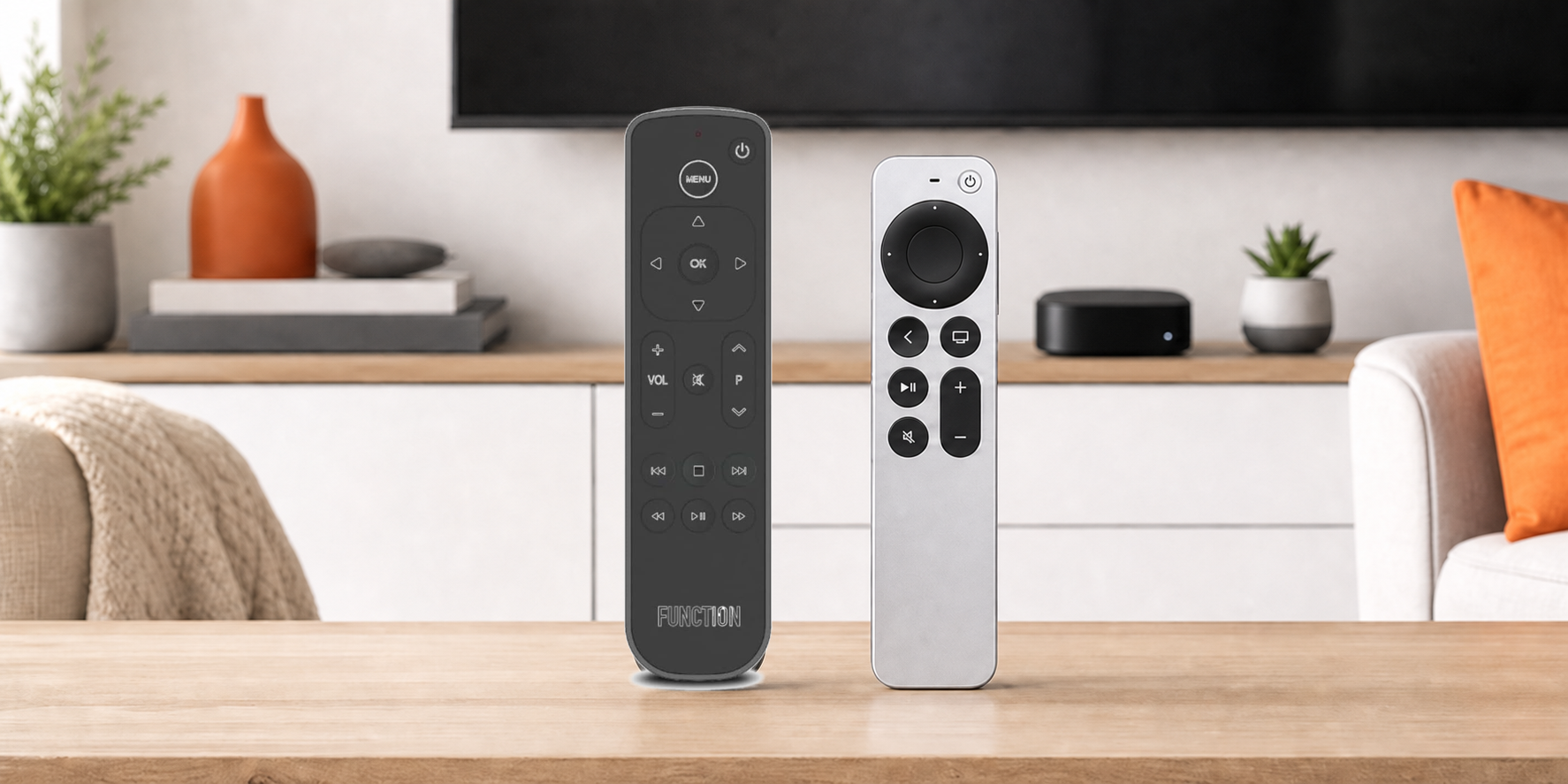
Function101 vs Siri remote comes down to full-button familiarity vs Siri voice control, clickpad gestures, and Apple’s rechargeable design.
A Tale of Two Remotes
 I use Apple TV every day, and the Function101 is usually the first remote I grab. Its physical buttons make everyday navigation feel effortless, especially when I’m rewinding a show or jumping between apps.
The Siri Remote still earns its place nearby. Its voice control, rechargeable battery, and tight Apple integration are useful when I need them, even if the clickpad occasionally turns a simple command into an unwanted adventure.
The market for universal remotes continues to grow as we add more streaming devices, according to Polaris Market Research. But this Function101 vs Siri remote comparison comes down to something much simpler: which one makes Apple TV easier to control.
Function101 vs Siri Remote Comparison
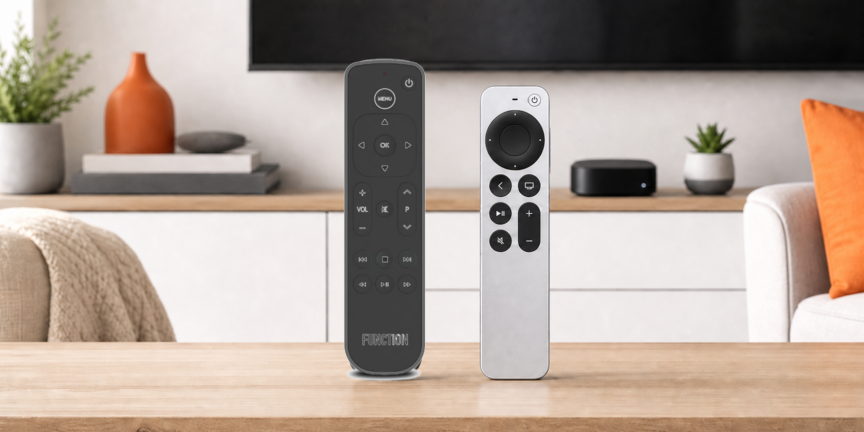
The Function101 vs Siri remote comparison turns on buttons, voice, connection, power, and everyday control style.
| Full Buttons | Voice and Gestures | |
|---|---|---|
| Product Image |

|

|
| Model | Function101 Button Remote for Apple TV | Apple TV Siri Remote (3rd Generation) |
| Best Fit | Best fit: Choose Function101 for familiar buttons and straightforward guest use. | Best fit: Choose Siri Remote for voice, gestures, and Apple integration. |
| Siri Voice | ||
| Compatibility | Apple TV 4K and Apple TV HD | Apple TV 4K and Apple TV HD |
| Rechargeable | ||
| Connection | Bluetooth plus infrared | Bluetooth 5.0 plus infrared |
| Navigation | Directional pad and dedicated Apple TV buttons | Touch-enabled clickpad with swipe and circular gestures |
| TV and Audio Control | Programmable IR power, volume, and mute | IR power, volume, and mute buttons |
| Power | Two AAA batteries | USB-C rechargeable |
| Main Tradeoff | No Siri or rechargeable battery | Touch gestures can frustrate |
| Where to buy |
#1 – Function101: Best Apple TV Button Remote
Best Fit Choose Function101 when familiar buttons and easy guest navigation matter most.
At a Glance
- Compatibility: Apple TV 4K models and Apple TV HD
- Power: Two AAA batteries
- Voice / Smart Home: No microphone or Siri button
- Display: No display
- Control: Infrared for one TV, soundbar, or receiver system
Overview
Function101 Button Remote for Apple TV favors familiar physical controls in the Function101 vs Siri remote matchup. The Bluetooth edition uses Bluetooth for Apple TV commands, so the box can sit inside a cabinet. It uses infrared for television or audio power, volume, and mute, which still requires a clear path to the controlled equipment during everyday use.
Function101 says the remote can be programmed for more than one hundred television and audio brands, but it controls one television or audio system at a time. Dedicated direction, playback, number, mute, channel, Home, Control Center, and app-switching commands make Apple TV feel closer to a familiar television remote. The cost is giving up Siri voice input and rechargeable power.
Pros
- Traditional buttons reduce accidental swipes
- Bluetooth works with a concealed Apple TV
- Guests can learn the layout quickly
- Dedicated playback controls improve muscle memory
- Television power and volume share one handset
Cons
- Siri voice control is unavailable
- AAA batteries require periodic replacement
- Only one TV or audio system can be programmed at a time
Function101 is offering my readers special savings on this remote. Click Function101 below for the deal, or shop at Amazon if you prefer.
#2 – Siri Remote: Best for Voice and Gestures
Best Fit Choose the Siri Remote when voice search, Apple integration, and USB-C charging matter most.
At a Glance
- Compatibility: Apple TV 4K models and Apple TV HD
- Power: USB-C rechargeable battery
- Voice / Smart Home: Built-in microphone and Siri side button
- Display: No display
- Control: Physical power, mute, volume, playback, and navigation
Overview
Apple TV Siri Remote (3rd Generation) is the native Apple-feature choice in the Function101 vs Siri remote matchup. It has physical power and mute buttons plus volume, playback, Back, TV or Control Center, and a touch-enabled clickpad. A side button handles Siri requests and dictation, while Bluetooth avoids line-of-sight limits for Apple TV commands.
Apple lists Bluetooth 5.0, an infrared transmitter, and a USB-C charging connector. Circular gestures around the clickpad can scrub through supported video, while a conventional click still handles directional navigation. The Siri Remote wins on native Apple features, but its small body and touch surface remain the reasons some viewers want Function101 nearby.
Pros
- Siri search and dictation are built in
- USB-C charging avoids disposable batteries
- Physical power and mute buttons cover daily control
- Bluetooth handles Apple TV without line of sight
- Clickpad supports directional and circular input
Cons
- Touch gestures can cause missed inputs
- Compact body is easy to misplace
- Guests may need a short learning period
The updated Siri Remote has a touch clickpad, voice control, and USB-C.
How to Choose in Function101 vs Siri Remote
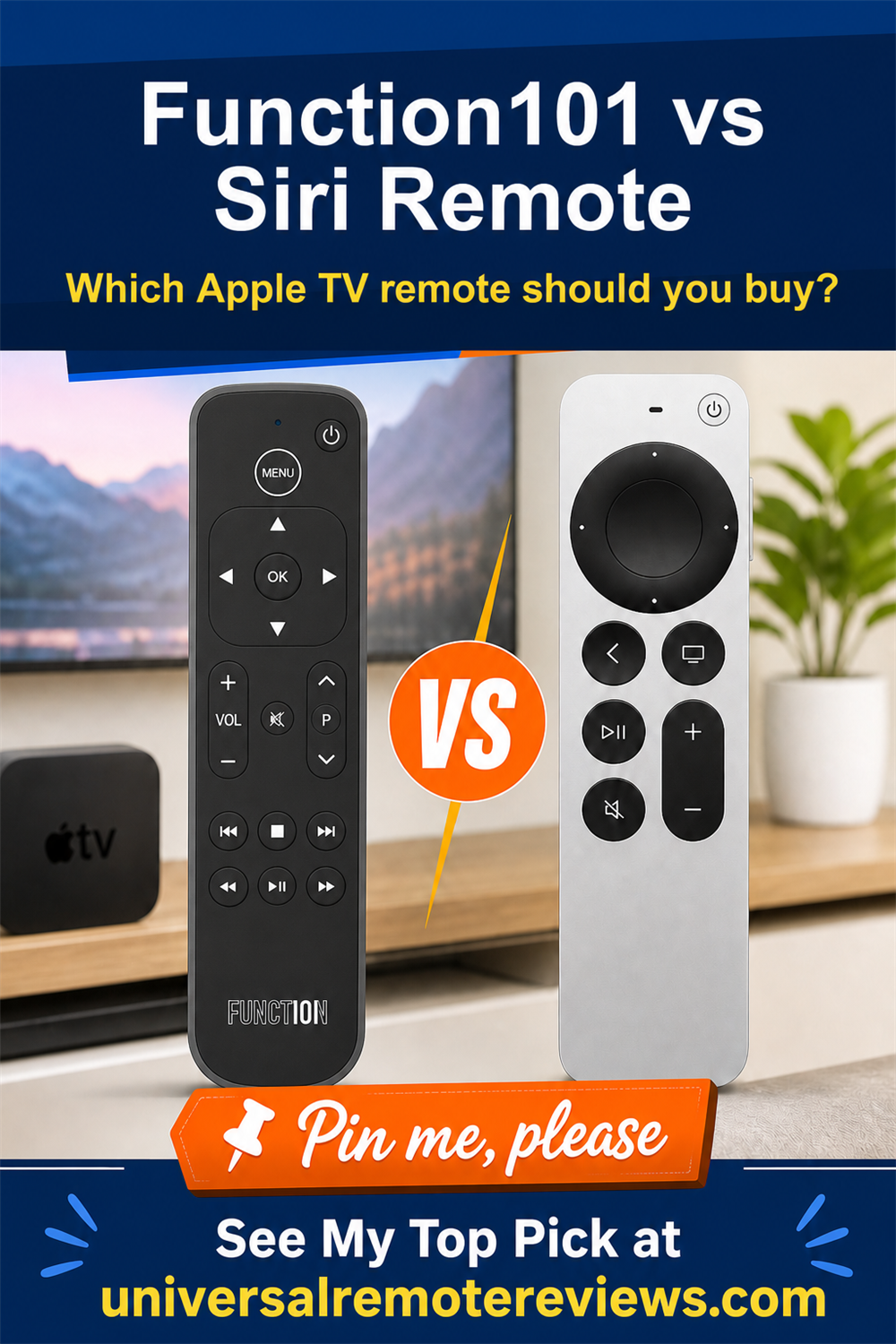
The Function101 vs Siri remote choice should follow the control style that removes the most friction from Apple TV use.
What I Look For When I Buy
For the Function101 vs Siri remote decision, I check these four practical differences first.
- Choose Function101 when direct buttons and easy guest use matter more than gestures.. Use this check to keep the buying decision tied to the setup you actually have.
- Choose Siri Remote when voice search, dictation, and native Apple integration matter most.. Use this check to keep the buying decision tied to the setup you actually have.
- Both use Bluetooth for Apple TV commands, while television and audio control rely on infrared.. Use this check to keep the buying decision tied to the setup you actually have.
- Choose replaceable AAA batteries or USB-C charging based on your maintenance preference.. Use this check to keep the buying decision tied to the setup you actually have.
Video Review
Function101’s walkthrough shows the current Bluetooth and infrared editions, Apple TV pairing, television or audio programming, and access to native commands such as Control Center and app switching.
Video credit: Function101.
FAQs
These are the questions I would answer before choosing a remote.
1. Which is better in Function101 vs Siri remote?
Function101 is better when familiar buttons and easy guest use matter more than Apple features. Siri Remote is better when voice search, clickpad gestures, USB-C charging, and tvOS integration matter most. Neither wins every category. The right choice depends on whether predictable physical controls or the Apple interaction model solves your frustration cleanly today.
2. Does Function101 support Siri voice control?
No. In Function101 vs Siri remote, the Apple model has a microphone and Siri button. Function101 handles navigation, playback, Home, Control Center, app switching, and compatible television or audio commands through physical buttons. Keep Siri Remote nearby if voice search, text dictation, playback information, or Siri shortcuts are part of how you operate Apple TV.
3. Which is easier for guests in Function101 vs Siri remote?
Function101 is usually easier for guests because its directional pad, playback controls, volume buttons, mute button, number pad, and Home button resemble a traditional television remote. Siri Remote is cleaner and more compact, but its touch-enabled clickpad can cause accidental swipes or uncertainty for people who do not use Apple TV regularly at home.
4. Does the Function101 Bluetooth remote need line of sight?
In Function101 vs Siri remote, neither model needs line of sight for Apple TV commands. The Function101 Bluetooth edition works when the box sits inside a cabinet. Its compatible television, soundbar, or receiver power, volume, and mute commands use infrared, so that controlled equipment needs a clear path from the remote during use each day.
5. What should most owners choose in Function101 vs Siri remote?
Keep Siri Remote as your primary remote if Siri search, clickpad gestures, USB-C charging, and Apple integrations are part of your routine. Choose Function101 when a full button layout, fewer accidental swipes, and simpler guest use would make Apple TV easier. Many households benefit from keeping both nearby for different viewers and situations today.
Function101 vs Siri Remote Verdict
 The Function101 vs Siri remote decision is less about feature count than the control style each viewer finds predictable.
- Choose Function101 if full buttons, easy guest use, and fewer touch mistakes matter most.
- Choose Siri Remote if voice search, clickpad gestures, Apple integration, and USB-C charging matter most.
- Choose both remotes if different viewers prefer different control styles or occasionally need Siri alongside traditional buttons.
For more Apple TV options, compare my best remotes for Apple TV.

Please subscribe for a fun take on tech—tips, unboxings, reviews & more!