As an Amazon Associate, I earn from qualifying purchases.
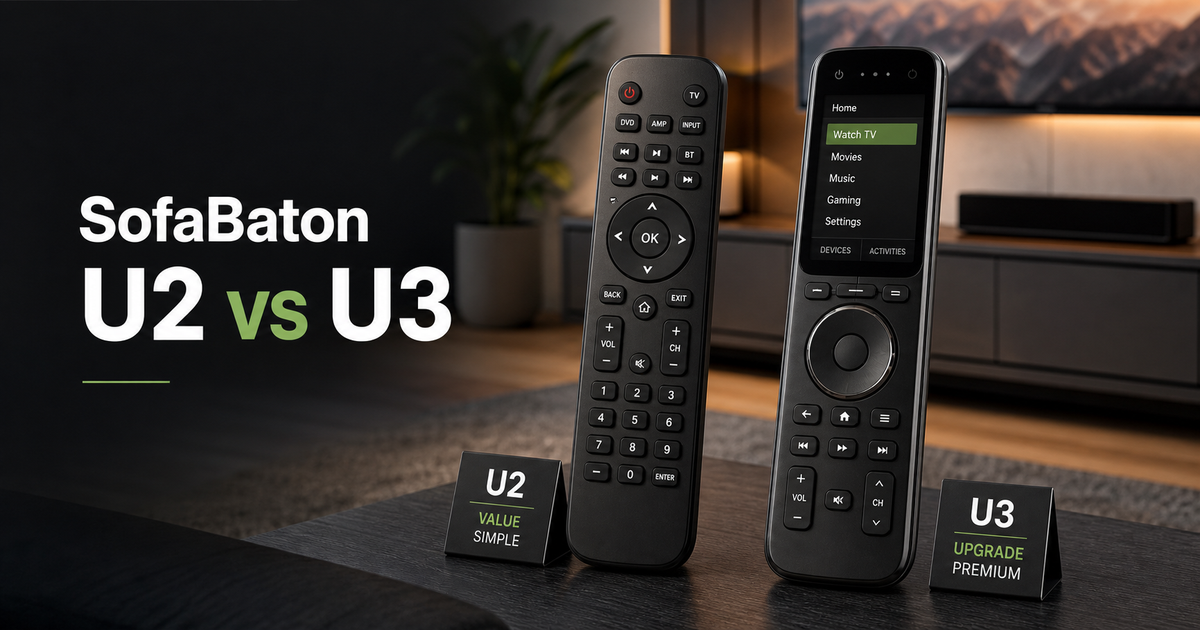
Sofabaton U2 vs U3 compares simple budget control against the stronger rechargeable remote for modern mixed-device rooms.
Two Remotes, One Couch
 I run Universal Remote Reviews, and I have reviewed the SofaBaton lineup as real couch tools, not spec-sheet trophies. That is the lens here: which one makes the room easier to control after setup day?
In Sofabaton U2 vs U3, the real split is simple. Smart-home market research helps explain why cleaner control keeps mattering as living rooms add more devices.
As a SofaBaton partner, I have had lineup access and tested the U2 and U3 against the living-room problems readers ask me about. The U3 is the one I would build around now, while the U2 fits smaller rooms.
Key Takeaways
- Choose U3 for the main room because RF learning, air mouse control, voice support, and USB-C charging make it the stronger everyday remote.
- Choose U2 for simpler setups because it keeps the price down while still covering basic IR and Bluetooth control.
- Do not buy by screen alone because the better pick depends on signal types, power, and how many devices the room needs to control.
Sofabaton U2 vs U3 Comparison Table
The following table compares Sofabaton U2 vs U3 side by side for the rooms each remote fits best.
| Worthy Upgrade | Budget Button Remote | |
|---|---|---|
| Product Image |

|

|
| Model | SofaBaton U3 | SofaBaton U2 |
| Status | Current model | Discontinued |
| Screen Detail | Yes, 2.4-inch LCD | Yes, 1.3-inch OLED |
| RF Learning | ||
| Best Fit | Best fitChoose U3 for RF learning, voice, air mouse, and rechargeable control. | Best fitChoose U2 for cheaper IR and Bluetooth control in simple rooms. |
| Air Mouse | ||
| Control Signals | IR, Bluetooth, RF | IR, Bluetooth LE |
| Rechargeable | ||
| Display | 2.4-inch LCD | 1.3-inch OLED |
| Power | 1200mAh rechargeable | 2 AA batteries |
| Battery Life | up to 3 weeks | up to 60 days |
| Where to buy | Check Price at Amazon | Check Price at Amazon |
SofaBaton U3
- Status
- Current model
- Screen Detail
- Yes, 2.4-inch LCD
- RF Learning
- Best Fit
- Best fitChoose U3 for RF learning, voice, air mouse, and rechargeable control.
- Air Mouse
- Control Signals
- IR, Bluetooth, RF
- Rechargeable
- Display
- 2.4-inch LCD
- Power
- 1200mAh rechargeable
- Battery Life
- up to 3 weeks
SofaBaton U2
- Status
- Discontinued
- Screen Detail
- Yes, 1.3-inch OLED
- RF Learning
- Best Fit
- Best fitChoose U2 for cheaper IR and Bluetooth control in simple rooms.
- Air Mouse
- Control Signals
- IR, Bluetooth LE
- Rechargeable
- Display
- 1.3-inch OLED
- Power
- 2 AA batteries
- Battery Life
- up to 60 days
#1 – SofaBaton U3: Worthy Upgrade
Best fit
Choose U3 for RF learning, voice, air mouse, and rechargeable control.
SofaBaton U3 is the one I would choose first for a real living-room setup. It adds RF learning, a bigger LCD, rechargeable power, air mouse navigation, and voice support, so it feels less like a spare remote and more like the remote you leave out for everyone to use.
The big advantage in Sofabaton U2 vs U3 is control flexibility. IR still handles TV and soundbar jobs, Bluetooth helps with streamers, and RF learning opens the door to devices the U2 cannot reach.
Pros
- RF 433/315 learning can add compatible RF remotes
- Rechargeable USB-C battery avoids disposable AA swaps
- Air mouse helps with cursor-heavy streaming menus
- Google voice support speeds compatible search screens
- Larger 2.4-inch LCD makes device switching clearer
Cons
- Larger screen is still not a touchscreen
- Voice and air mouse depend on compatible Bluetooth devices
- More remote than a simple room may need
#2 – SofaBaton U2: Budget Button Remote
Best fit
Choose U2 for cheaper IR and Bluetooth control in simple rooms.
SofaBaton U2 is the safer budget answer when your room is mostly IR and Bluetooth gear. It is not trying to be a full modern control center; it is trying to replace the handful of clickers you actually use.
That is why Sofabaton U2 vs U3 should not be treated like a pure spec race. The U2 gives you app setup, IR learning, macros, scroll-wheel switching, and long AA battery life for simpler rooms.
Pros
- Familiar button layout is easy for guests
- IR and Bluetooth LE cover basic living-room gear
- Scroll wheel keeps device switching simple
- Two AA batteries last longer between swaps
- Lower-cost pick for offices and backup rooms
Cons
- No RF learning for cabinet or RF gear
- No air mouse or voice-search support
- Lower device ceiling leaves less upgrade room
How to Choose Between Sofabaton U2 vs U3
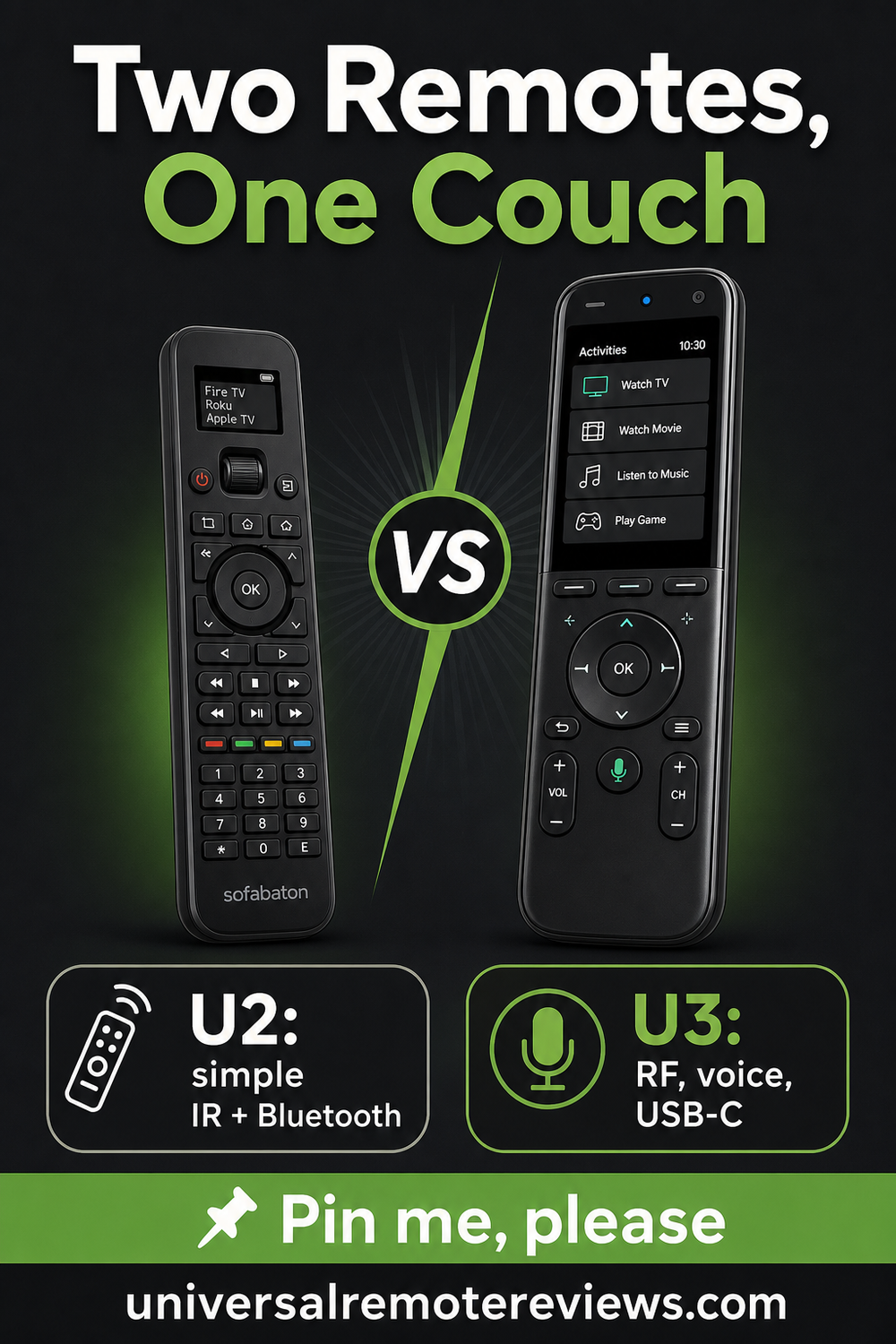
The right Sofabaton U2 vs U3 choice depends on how complicated the room is, not just which remote has the longer spec list.
What I Look For When I Buy
For Sofabaton U2 vs U3, I would check these points before deciding whether the screen upgrade is worth paying for.
- ✓Signal Types. Choose the U3 if RF learning matters or the room has gear that basic IR and Bluetooth control cannot reach cleanly.
- ✓Daily Power. Choose the U3 if USB-C charging feels easier, or choose the U2 if you prefer long AA battery life and fewer charging routines.
- ✓Room Complexity. Choose the U2 for a straightforward TV and soundbar setup, but move to the U3 when streaming boxes, macros, and mixed devices become the normal routine.
FAQs
These answers cover the questions that matter before you choose.
1. What is the biggest Sofabaton U2 vs U3 difference?
The biggest difference is control depth. The U3 adds RF 433/315 learning, air mouse navigation, Google voice support on compatible devices, a larger 2.4-inch LCD, and rechargeable power. The U2 stays focused on IR and Bluetooth LE control with AA batteries, which keeps it cheaper and simpler but less flexible.
2. Is the U3 worth buying over the U2?
Sofabaton U2 vs U3 favors the U3 for a main living-room remote because it handles more signal types and feels better suited to modern gear. I would pay up for it if you use streamers, a soundbar, RF-controlled accessories, or more than a basic TV setup. For a spare room, the U2 may be enough.
3. Does Sofabaton U2 vs U3 change voice control?
Yes. Voice support and air mouse control belong to the U3 side. The U2 is a traditional button remote with IR, Bluetooth LE, a smaller OLED screen, macros, and app setup. That simplicity is the point, but it also means no cursor-style navigation or voice-search shortcut.
4. Which remote is easier to live with every day?
Sofabaton U2 vs U3 depends on the room. The U2 is easier if your setup is simple and you like replaceable AA batteries. The U3 is easier once the room has mixed devices, because rechargeable power, RF learning, and faster Bluetooth handling reduce the little annoyances that show up after setup day.
5. Should Sofabaton U2 vs U3 push me past a basic remote?
Maybe, but the U3 is the more meaningful upgrade if your current remote already handles basic IR commands. The U2 is best when you want an affordable button remote with app setup. If you are trying to modernize the room, skip the half step and look at the U3.
Sofabaton U2 vs U3 Verdict
 Sofabaton U2 vs U3 comes down to whether you need a better everyday remote or a cheaper backup.
- Choose SofaBaton U3 if RF learning, air mouse control, voice support, and rechargeable power matter in the main room.
- Choose SofaBaton U2 if you want a cheaper button remote for IR and Bluetooth gear.
- Choose neither remote if you need full hub-based activities across a serious theater system.
The U3 is the stronger buy for most living rooms, and the U2 is the value pick for simpler spaces.

Please subscribe for a fun take on tech—tips, unboxings, reviews & more!