As an Amazon Associate, I earn from qualifying purchases.
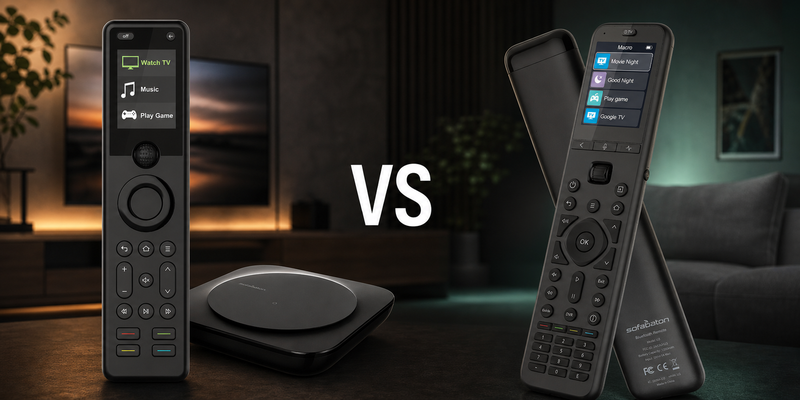
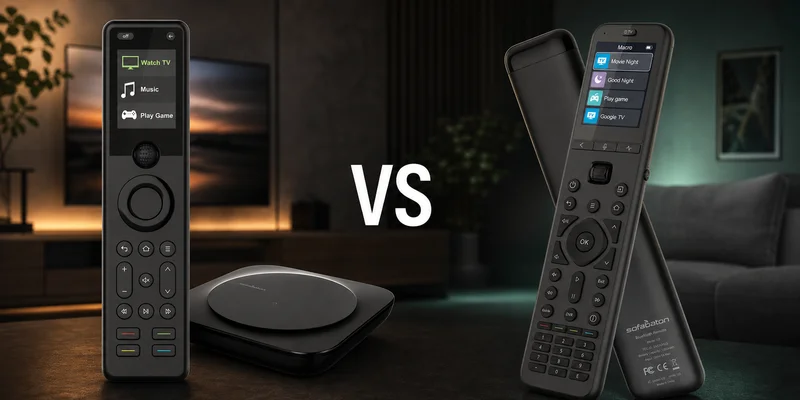
SofaBaton X1S vs U3 comes down to hub-based Activities or simpler direct control for the room you actually use.
Two Remotes, Different Rooms
 I own both the SofaBaton X1S and U3, and I’ve spent plenty of time with each. The X1S is still my main living-room remote, but the U3 has its own advantages depending on the setup.
In SofaBaton X1S vs U3, the biggest difference is really how much control you need. The X1S is better suited to a full home theater with several devices, while the U3 is a simpler all-in-one remote that does not require a separate hub.
Ever since Logitech discontinued Harmony, I’ve been looking for remotes that can fill the gap. As Mordor Intelligence notes, smart-home adoption continues to grow, which makes having one remote that can control more of your gear increasingly useful.
Key Takeaways
- X1S is better for complex setups: The hub, Activities, and IR blaster make it easier to control multiple devices and equipment hidden in a cabinet.
- U3 is better when you want to keep things simple: It gives you a larger screen, number pad, Bluetooth support, and no separate hub.
- I prefer the X1S for my main setup: But the U3 makes a lot of sense for a second room or anyone who does not need the extra complexity.
SofaBaton X1S vs U3 Comparison Table
The following table compares SofaBaton X1S vs U3 by room architecture, everyday control, and the tradeoffs that matter.
| Complex Room Pick | Best Budget Universal | |
|---|---|---|
| Product Image |

|

|
| Model | SofaBaton X1S | SofaBaton U3 |
| Best Fit | Best fitChoose X1S when a complex room needs hub-based Activities and hidden-device reach. | Best fitChoose U3 for a simpler room that needs direct, rechargeable control without a Wi-Fi hub. |
| Hub System | ||
| Architecture | Required hub and IR blasters | Direct IR, Bluetooth, RF learning |
| Activities | ||
| Display | 2.0-inch LCD and scroll wheel | 2.4-inch LCD and scroll wheel |
| Smart-Home Platforms | ||
| Automation | Device and Activity modes | Device Mode and one-touch macros |
| Physical Number Pad | ||
| Hidden Gear | Hub reaches cabinet equipment | Optional R1 extends IR reach |
| Air Mouse | ||
| Voice | Alexa and Google linked Activities | Google voice on compatible devices |
| Power | 1050mAh USB-C rechargeable | 1200mAh USB-C rechargeable |
| Where to buy | Check Price at Amazon | Check Price at Amazon |
SofaBaton X1S
SofaBaton U3
#1 – SofaBaton X1S: Proven Hub Control
Best Fit Choose X1S when a complex room needs hub-based Activities and hidden-device reach.
SofaBaton X1S has been my primary living-room remote for over a year, which matters in this SofaBaton X1S vs U3 comparison. Its hub and IR blasters reach gear behind cabinet doors, while Activities keep the TV, soundbar, streamer, inputs, and volume controls working together.
In SofaBaton X1S vs U3, that makes X1S the dependable workhorse. The app can test your patience, especially if you are not tech savvy, but once configured, day-to-day use is fast and consistent.
Pros
- Hub and IR blasters reach hidden equipment
- Activities coordinate multiple devices and inputs
- Alexa and Google can trigger linked routines
- Rechargeable battery avoids disposable cells
- Proven daily control in Tim’s main room
Cons
- Initial hub setup can take patience
- Scroll-wheel navigation feels dated
- No physical number pad or touchscreen
#2 – SofaBaton U3: Best Budget Universal
Best Fit Choose U3 for a simpler room that needs direct, rechargeable control without a Wi-Fi hub.
SofaBaton U3 is the practical, no-nonsense universal remote in this SofaBaton X1S vs U3 matchup. It replaces the handful of clickers you actually use with a larger LCD, full keypad, macros, direct IR and Bluetooth, and compatible RF learning.
The U3 is easier to place in a straightforward room because there is no Wi-Fi hub. You still need line of sight for IR unless you add the optional R1, and Google voice or Air Mouse only works with compatible Bluetooth devices.
Pros
- Hub-free setup suits simpler rooms
- 2.4-inch LCD keeps device switching visible
- Physical number pad supports direct channel entry
- Compatible RF learning broadens direct control
- 1200mAh battery recharges over USB-C
Cons
- No X-series Activities or Wi-Fi hub
- IR needs line of sight without optional R1
- Voice and Air Mouse depend on device support
How to Choose SofaBaton X1S vs U3
Your choice hinges on the room you need to control, not which feature list is longer.
What I Look For When I Buy
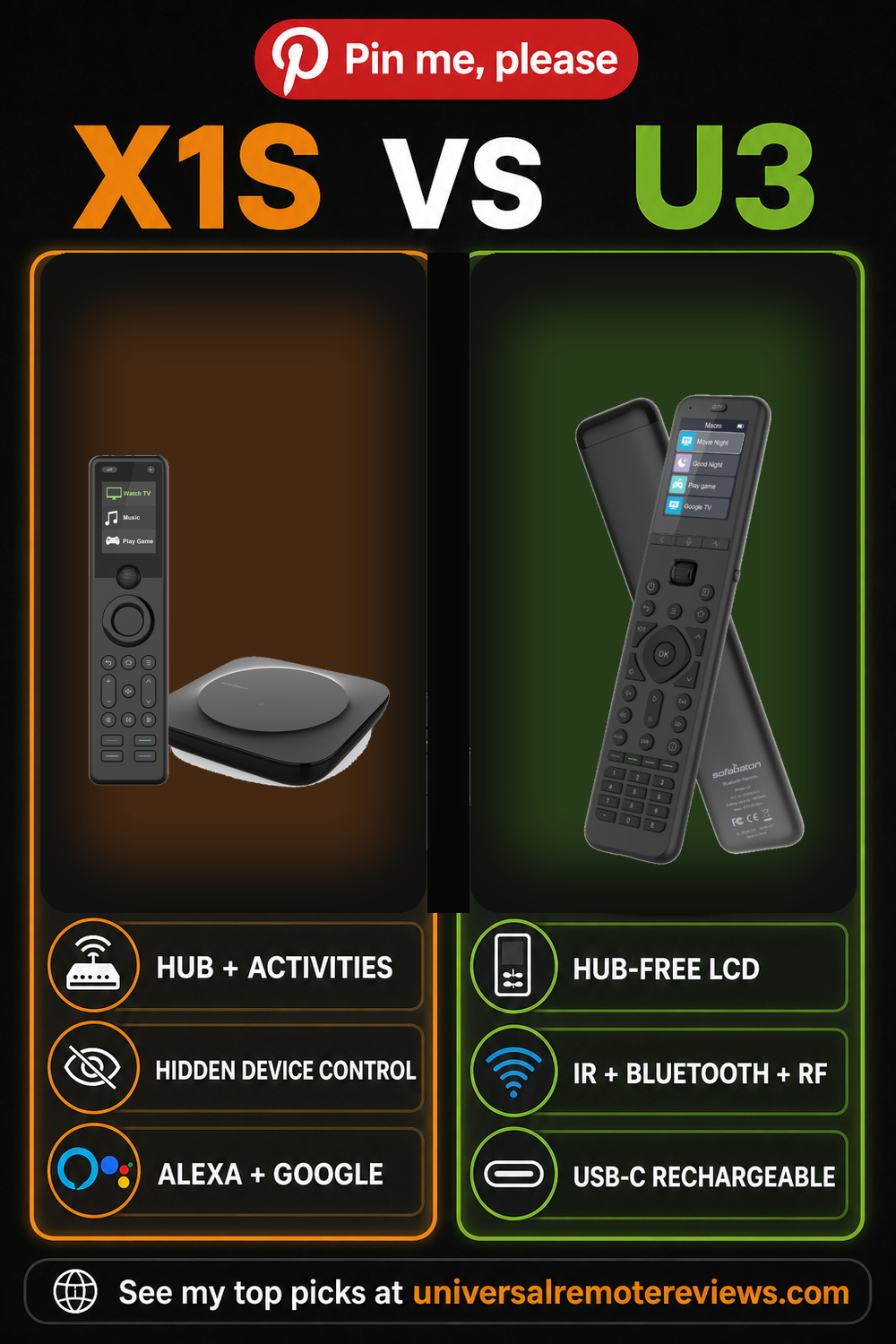
For SofaBaton X1S vs U3, I would check these points before paying for a hub or trying to avoid one.
- ✓Hidden Equipment. Choose X1S when cabinet doors or equipment placement make direct IR unreliable.
- ✓Activity Depth. Choose X1S when one button must coordinate power, inputs, volume, and several devices.
- ✓Room Simplicity. Choose U3 when the gear is visible and direct IR, Bluetooth, RF learning, and macros cover the routine.
- ✓Daily Navigation. Choose U3 when a larger LCD and physical keypad matter more than hub-driven Activities.
Who Should Not Buy
- ✕Skip both if the original TV remote already covers the room.
- ✕Avoid X1S if you do not want hub setup.
- ✕Avoid U3 if hidden IR gear is the main problem.
FAQs
These are the questions I would answer before choosing a hub or going hub-free.
1. What is the biggest SofaBaton X1S vs U3 difference?
X1S is a hub system built around Devices and Activities, so it can coordinate several components and reach hidden IR gear through the hub and blasters. U3 is a standalone remote with direct IR, supported Bluetooth, compatible RF learning, macros, a larger LCD, and a full keypad. That architecture difference should drive the purchase.
2. Which remote is better for equipment inside a cabinet?
X1S is the stronger out-of-box choice for cabinet equipment because its hub and included IR blasters can sit near hidden components. U3 sends IR from the handheld remote, so it normally needs line of sight. SofaBaton sells an optional R1 repeater for extended U3 IR coverage, but that adds hardware and cost.
3. Does the U3 replace X1S Activities?
No. U3 supports Device Mode and one-touch macros, but it does not reproduce the X-series Activity architecture. X1S can group commands and device controls around routines such as watching TV. U3 can automate useful sequences, yet it remains a direct-control remote rather than a Wi-Fi hub coordinating the room.
4. Which one has better voice control?
X1S can link Activities to Alexa or Google Assistant through the hub and account connection; the remote itself does not have a microphone. U3 can activate Google voice only on compatible Bluetooth devices that already support that function. Neither claim should be treated as universal voice control across every streamer, television, or app.
5. Is U3 the better value for a simple room?
Usually, yes. If the room is an open TV, soundbar, and streamer setup, U3 gives you a larger LCD, direct controls, a keypad, macros, rechargeable power, and compatible RF learning without a Wi-Fi hub. Choose X1S when hidden gear, mixed-device Activities, or linked voice routines solve problems you actually have every day.
SofaBaton X1S vs U3 Verdict
 SofaBaton X1S vs U3 is a room-architecture decision disguised as a remote comparison.
- Choose SofaBaton X1S if your main room needs Activities, a hub, and reliable hidden-device control.
- Choose SofaBaton U3 if you want a practical, hub-free LCD remote for visible gear.
- Choose neither remote if your original remote already handles the room without extra setup.
X1S remains my complex-room pick; U3 is the easier recommendation when the room is simple and the gear is visible.

Please subscribe for a fun take on tech—tips, unboxings, reviews & more!